
From reactive to ready
Know what is missing, what is due, and what needs attention before a review forces the issue.
Inspired by Virginia home care agencies. Engineered for 12VAC5-381 and DMAS. Clients, workforce, and agency operations in one workspace instead of spreadsheets and a binder.
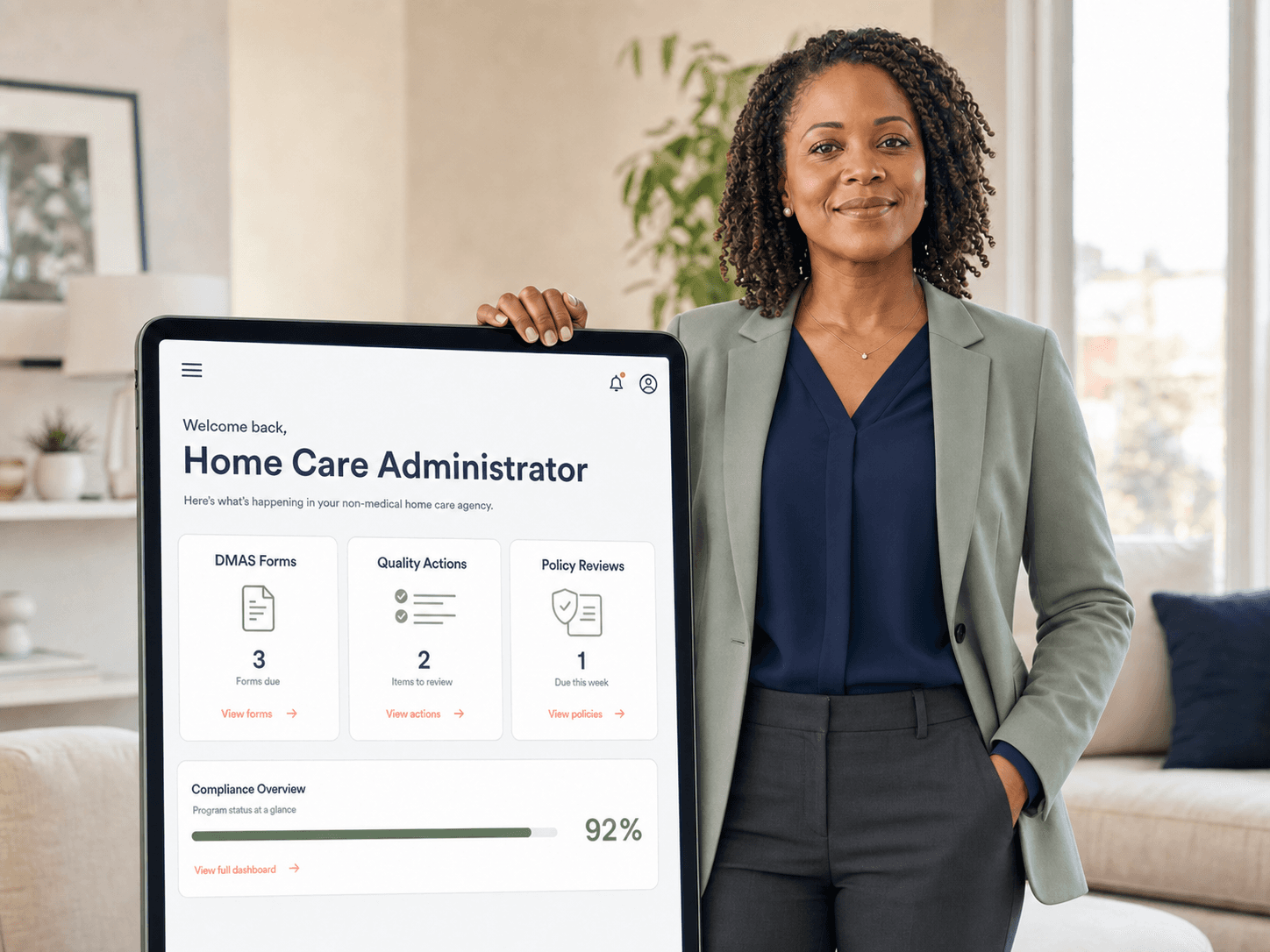
Know what is missing, what is due, and what needs attention before a review forces the issue.
Run setup, policies, forms, quality work, and follow-through from one operating platform.
Your agency gets its own workspace, branding, roles, and outputs instead of sharing a generic portal.
An agency runs on clients, the people who serve them, and the organization around both. PolicyLib is organized the same way.
Referrals, eligibility, DMAS forms, the admission packet, and discharge in one record instead of five places.
Hiring, orientation, training, competency, and supervision for aides and office staff, kept in the state a surveyor asks to see.
Policies, quality improvement, governance, and survey readiness for the agency as a whole.
Set up the agency once, open a policy library that is already written for Virginia home care, and keep a daily readiness view that shows what actually needs action.
Setup is meant to capture the identity, licensure, scope, and leadership details that make the dashboard useful on day one.
Collect legal name, DBA, contact details, license identifiers, service lines, and territory before the dashboard starts scoring readiness.
Policies are written and kept current for you. Your team reviews, approves, and prints them - nobody has to draft a manual from scratch or track a regulation change.
Signing in shows the work that is due: forms waiting on a signature, policies due for review, and staff who have not acknowledged theirs yet.
Per-agency pricing. Your whole administrative team can work from the same private-label workspace. Annual billing keeps the same structure with a built-in discount.
For agencies serving up to 10 active clients
What is included
For agencies serving 11–75 active clients
What is included
For groups above 75 active clients or multiple locations
What is included
Plan fit, production setup, and access are confirmed during onboarding. Annual prices shown reflect a 15% discount.
Practical answers for agency owners and administrators evaluating PolicyLib.
PolicyLib is designed for operational compliance work such as form registers, task ownership, policy reviews, source links, and quality-improvement tracking. Each agency receives a separate workspace with role-based staff access.
A small agency can establish its workspace, staff access, and core registers in a guided setup session. The full timeline depends on how many existing forms, policies, and improvement projects you choose to organize.
PolicyLib does not replace your EVV vendor. It complements EVV by organizing compliance responsibilities, source links, policies, and improvement work. Direct integration compatibility is evaluated with each vendor before it is promised.
Yes. It helps your team keep owners, deadlines, official references, and review history visible so supporting evidence is easier to assemble. It supports preparedness but does not guarantee an audit or survey outcome.
Yes. Plans are designed around client census, administrative users, and the modules your team needs. You can move to a larger plan when your census or operating requirements change.
Keep the operating evidence behind your compliance program organized, visible, and ready for review across setup, policies, forms, and quality oversight.
Compare plansTenant-isolated workspaces, role-based access, and visible ownership keep responsibility clear.
The app is meant to support daily operating work, not just a one-time binder conversion.
Your agency branding and setup details flow through the workspace and outputs.
Track work from draft through approval, acknowledgment, and oversight review.
Start with the plan that fits today, then grow without rebuilding your process.